Difference between revisions of "Cover images in the catalog"
Ccsrfischer (talk | contribs) |
Ccsrfischer (talk | contribs) |
||
| Line 48: | Line 48: | ||
If you find a title with a missing image, CCS staff can ask Syndetics to add the image. Contact [mailto:help@ccslib.org help@ccslib.org] with the BIB ID, ISBN, ISSN, UPC, EAN, and a URL for the image. Syndetics can add images for local items, Library of Things items, or Kits, if the item has a real ISBN, UPC, or EAN. Images for Library of Things items can come from the company's website or [https://www.barcodelookup.com/ Barcode Lookup]. If you plan to send a long list of items and images, please use this template for sending the information to CCS: [https://ccsliborg.sharepoint.com/:w:/s/CCSTraining/EbduKHRjrF9Cnrr1hhQTeUkB3jQMMqfETpLty4ISvK05fQ?e=4wbXFG Images for Library of Things Template]. | If you find a title with a missing image, CCS staff can ask Syndetics to add the image. Contact [mailto:help@ccslib.org help@ccslib.org] with the BIB ID, ISBN, ISSN, UPC, EAN, and a URL for the image. Syndetics can add images for local items, Library of Things items, or Kits, if the item has a real ISBN, UPC, or EAN. Images for Library of Things items can come from the company's website or [https://www.barcodelookup.com/ Barcode Lookup]. If you plan to send a long list of items and images, please use this template for sending the information to CCS: [https://ccsliborg.sharepoint.com/:w:/s/CCSTraining/EbduKHRjrF9Cnrr1hhQTeUkB3jQMMqfETpLty4ISvK05fQ?e=4wbXFG Images for Library of Things Template]. | ||
[[Category:Polaris specific topics]] | [[Category:Polaris specific topics]] | ||
__NOTOC__ | |||
Revision as of 21:16, 21 August 2026
For cover images in Leap and BiblioCore, Syndetics matches against bibliographic records in this order:
- ISBN (020)(first match, top to bottom)
- ISSN (022)
- UPC (024 1_)
- EAN (024 3_)
- OCLC number
BiblioCore can also display cover images from a link in the 856 tag. This may only be used in records for unique local materials and records that will not have a single UPC or EAN in a ‡a. Syndetics will not be able to match to a standard number in a ‡z. BiblioCore will use the image from the URL if it does not receive an image from Syndetics.
Cover Images in the 856 Tag
The 856 tag for cover images should only be allowed in records for unique local material and material that does not have a single UPC or EAN. The library must host the image in a drive that can produce a link that will allow public access to the image. All other cover images should be removed from bibliographic records.
The format of the 856 tag must follow BiblioCore's specifications. The first indicator must be 4 and the second indicator must be 2. The text "Cover Image" must be in a ‡z or ‡3. The first letters of the words "Cover Image" must be capitalized. The URL should be in a ‡u.
- Example:
856 42 ‡zCover Image‡uhttps://glenviewpl.org/wp-content/uploads/sites/128/2025/07/Tripod_268x402px.jpg
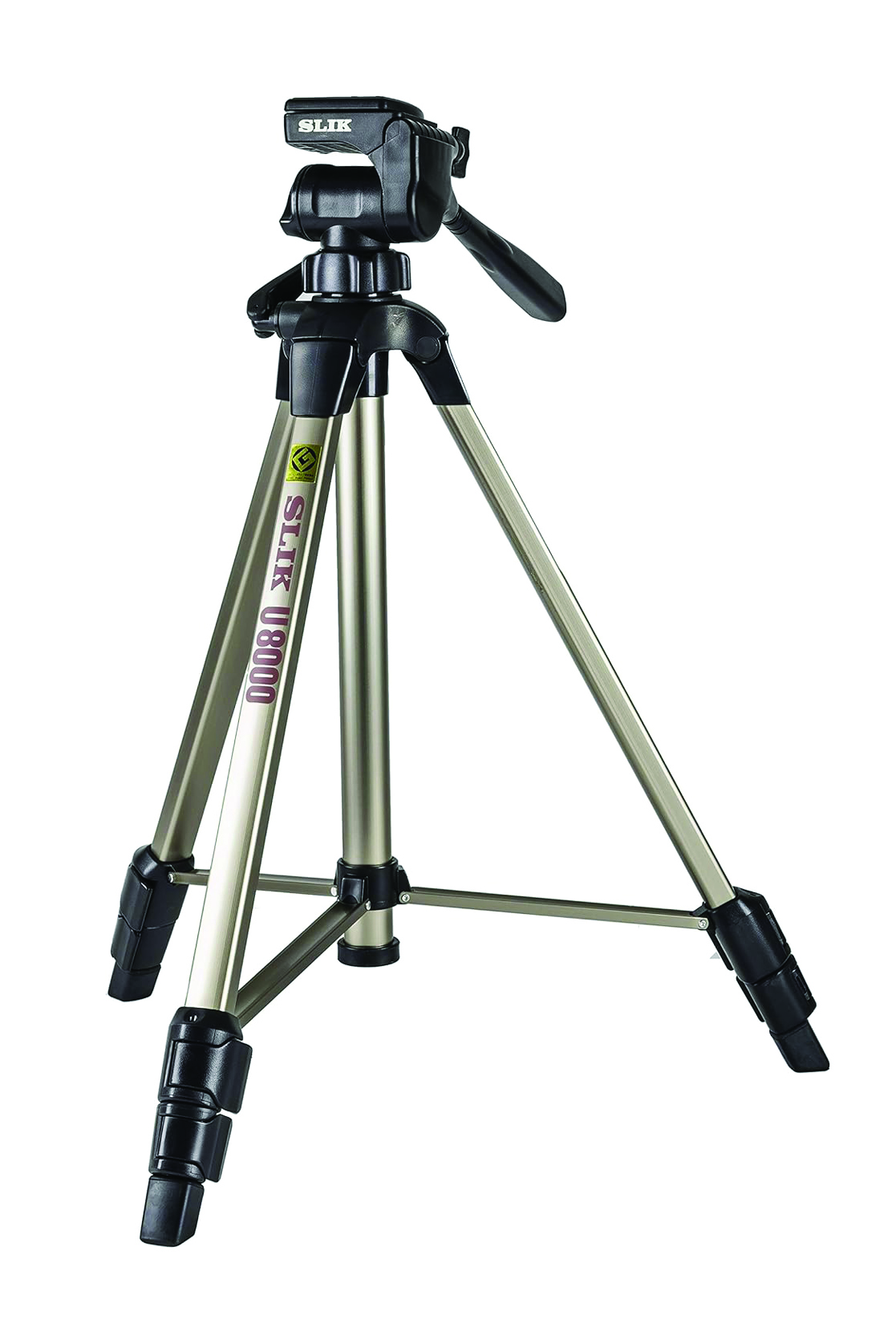
Image Specifications
Formats:
Image files must be in one of the following formats:
- JPEG
- GIF
- PNG
Image Size:
BiblioCore will display the same image on search results and on the bib page.
- Image size should be 268 px wide by 402 px high.
File Names:
- Use any file-naming convention that is convenient for you.
- Ensure that each image has a unique file name.
Hosting:
- Images can be stored anywhere as long as they are publicly accessible (can be linked to).
Incorrect Cover Images
If you find a title with an incorrect cover image, contact help@ccslib.org with the BIB ID and ISBN or UPC of the title with the incorrect cover image and a URL for the correct cover image. This can be from the publisher's website, Amazon, or Barcode Lookup.
Missing Cover Images
If you find a title with a missing image, CCS staff can ask Syndetics to add the image. Contact help@ccslib.org with the BIB ID, ISBN, ISSN, UPC, EAN, and a URL for the image. Syndetics can add images for local items, Library of Things items, or Kits, if the item has a real ISBN, UPC, or EAN. Images for Library of Things items can come from the company's website or Barcode Lookup. If you plan to send a long list of items and images, please use this template for sending the information to CCS: Images for Library of Things Template.